 Compress
WebP compressor online
This page accepts static and animated WebP. Animated files keep every frame with WebP or APNG output. JPG is available for static images.
Compress creates a separate output. Keep the original and check the result before sharing the smaller copy.
How to compress an image
- Choose your image
Open a file and check its original size.
- Choose a target or quality
Use a maximum file size for an upload requirement. Use quality mode when detail matters more than a particular number.
- Preview the result
Compare the output and check the details that matter.
- Download the smaller copy
Save the output when it looks right. Keep the source if you may edit it again.
Choose quality and resolution carefully
WebP quality can change color detail. Target size mode lowers quality and then dimensions when needed. An efficient source may stay unchanged. WebP encoding must be available in your browser.
Compress under an upload limit
Choose KB or MB, or use a common size preset. 1 MB equals 1,000 KB here. The target applies to each file in a batch; check the actual downloaded size before uploading elsewhere.
Target size mode automatically lowers quality and resolution to fit. Use Quality mode for manual control.
The original stays unchanged. Check the actual output size and dimensions, then compare the result before sharing.
Leave some room below the receiving service’s limit. Its current upload rules and any attachment overhead may affect what is accepted.
Measured compression example
Example results depend on the file, settings, browser and device. A maximum size is a target, not a guarantee.
Illustrative demo · · Edge 155.0.4283.45 · win32 10.0.26300 · Intel(R) Core(TM) i7-14650HX
Original: 1,449,936 B · 1536 × 864 · Format: WEBP
| Target size | Result | Resolution | seconds |
|---|---|---|---|
| 100 KB | 99,828 B | 1536 × 864 | 0.97 |
| 50 KB | 49,832 B | 990 × 557 | 0.65 |
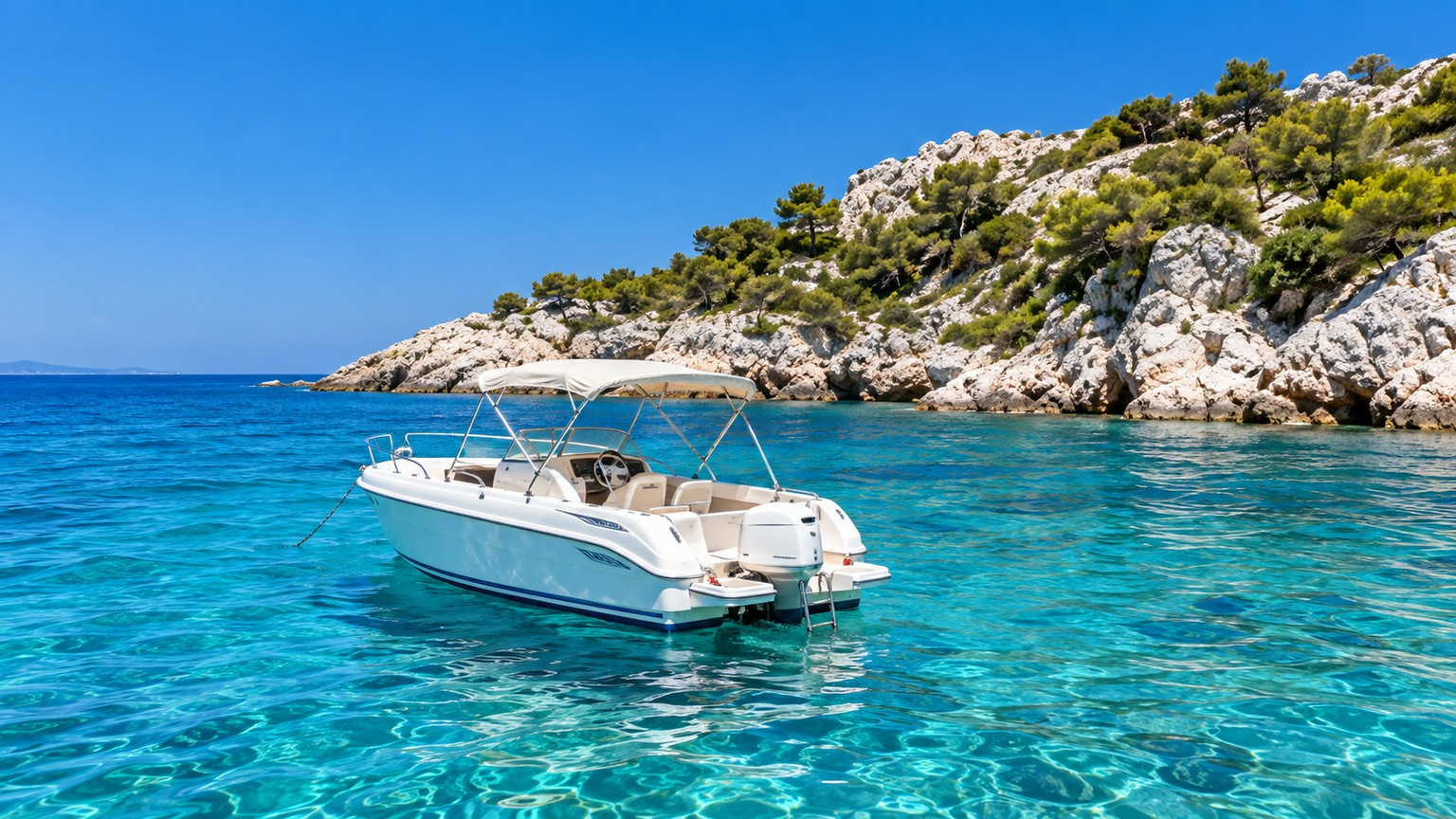
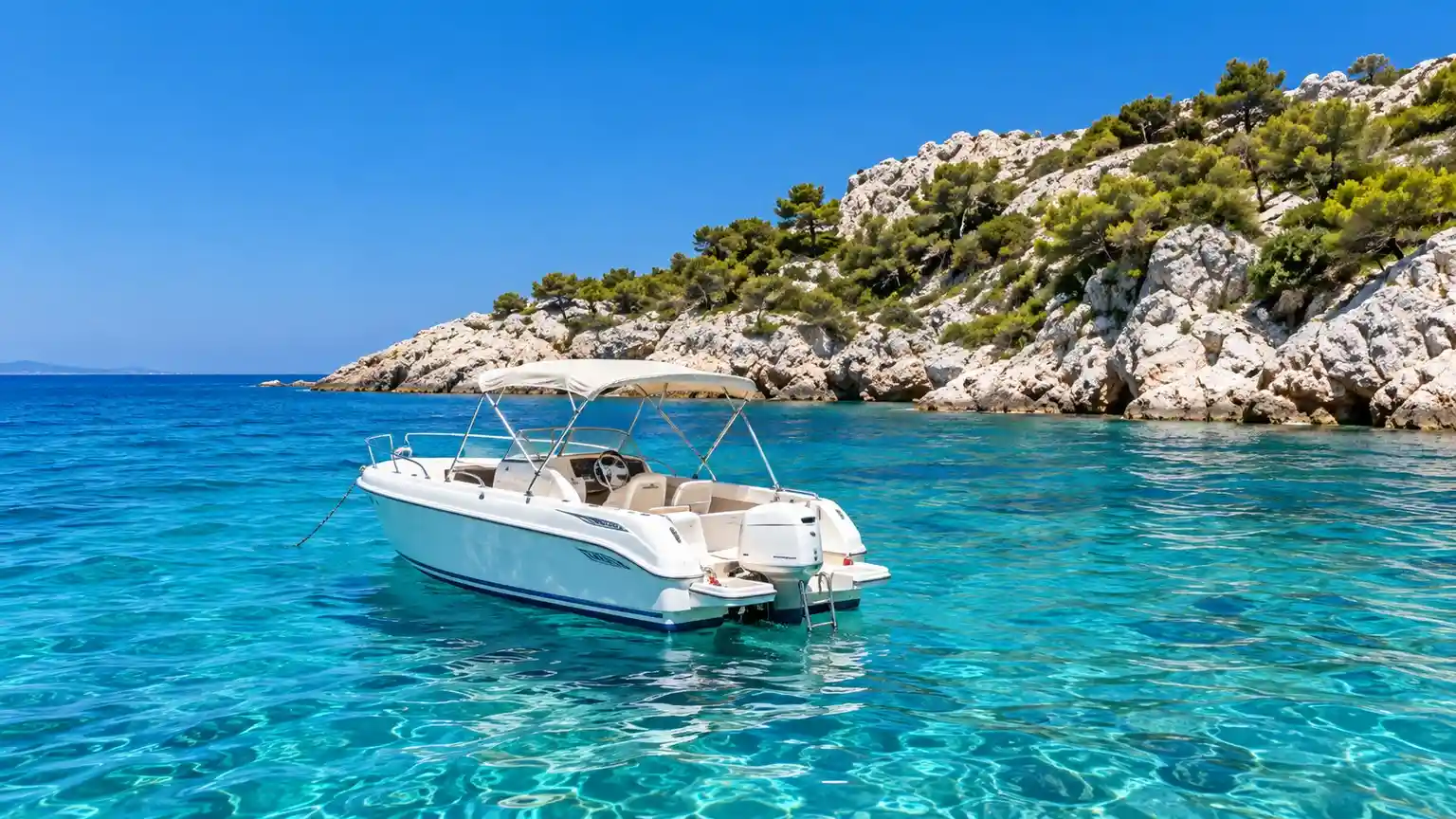
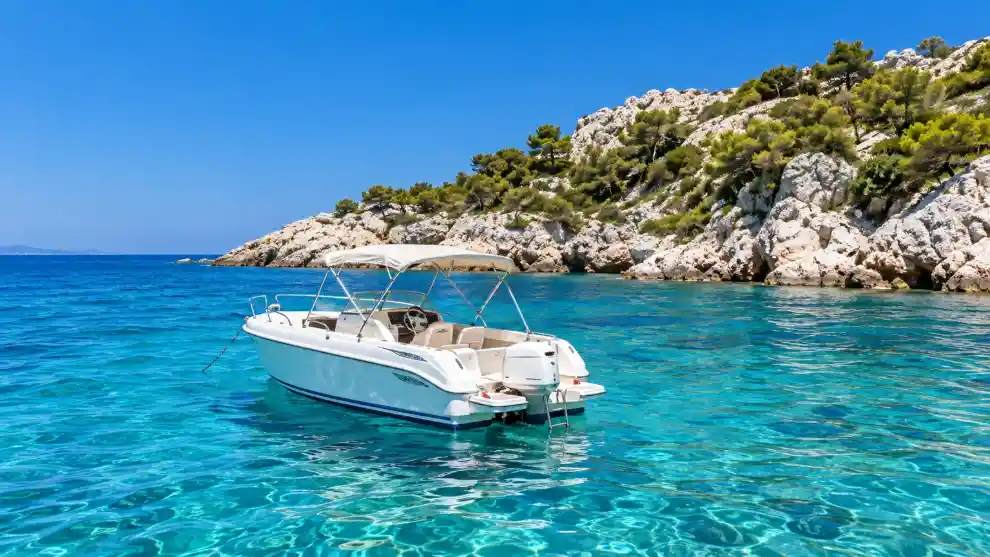
Original · Result 100 KB · Result 50 KB · Measure the output and keep your original.
Image formats and transparency
Animated PNG and WebP keep every frame and full transparency. PNG is lossless; WebP quality changes colors. Target mode may reduce dimensions.
Image compression questions
Compression guides
Keep photos and form images clear
Start with 100 KB or 200 KB for a form. Check its required dimensions as well as file size; a small file can still have the wrong pixel dimensions.
Keep transparent edges clean
Choose PNG or WebP for soft transparency. JPG fills transparent areas with white, while GIF supports only fully transparent or opaque pixels.
Prepare an animated GIF for sharing
Animated PNG and WebP keep every frame and full transparency. PNG is lossless; WebP quality changes colors. Target mode may reduce dimensions.